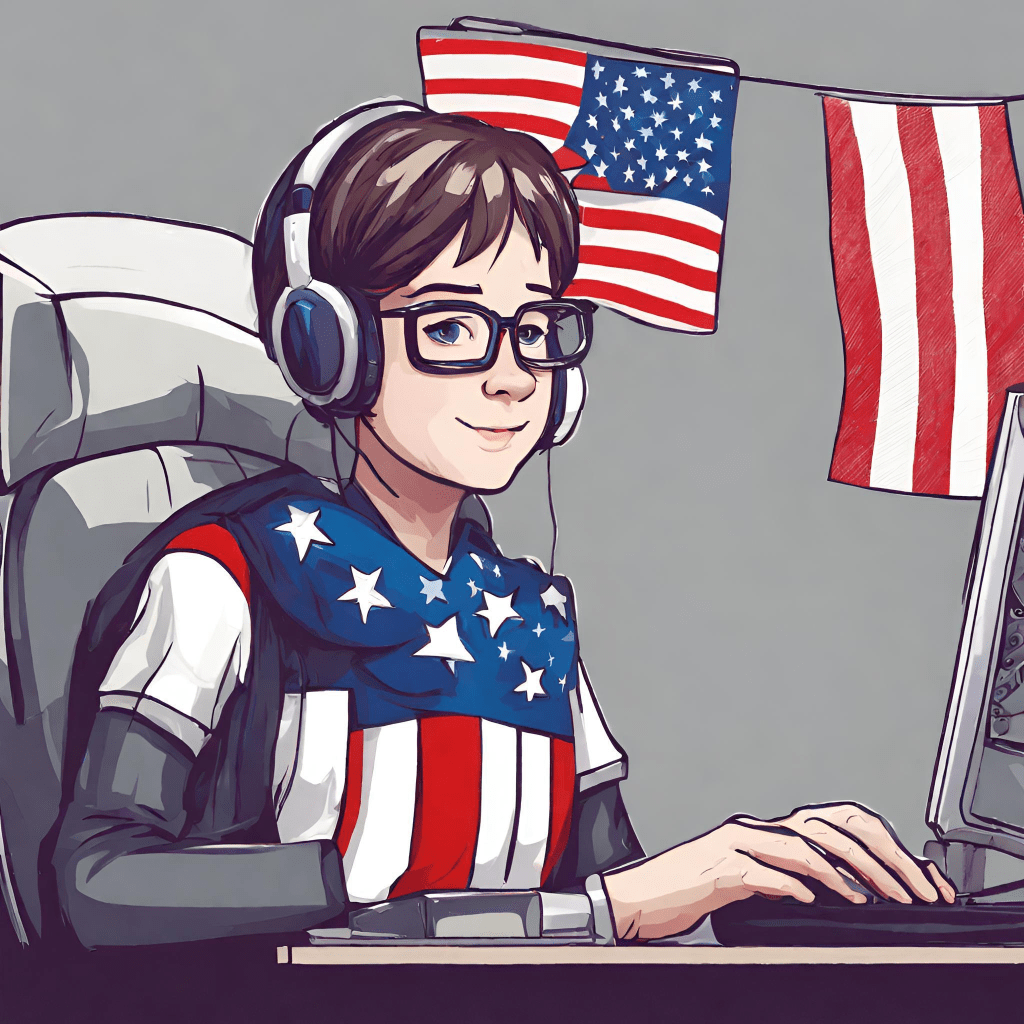
After reading Chapter 5 of Argument in the Real World, I took the information in the text about creating arguments in the video and used it to revise an introductory video I had created. With Digital Citizenship Week coming up this month, I decided to incorporate this into my video text. I have noticed that the students at my school are good about citing text resources that they use in their writing, but they are not so good about citing media sources such as images or videos. My goal with this project was to create a video text to quickly remind students of the importance of citing the media elements they use in their projects. Here is the video that I created.
Digital Citizenship
Our students use technology every day. While we do our best to keep our students safe, it is important that students take ownership of their ethical and legal use of technology (Hollandsworth, Dowdy, & Donovan, 2011). Digital citizenship is an important concept that can easily be modeled in any classroom by any teacher. The International Society for Technology in Education (ISTE) has a “Digital Citizen” standard that states that students should be able to “recognize the rights, responsibilities and opportunities of living, learning and working in an interconnected world, and they act and model digital citizenship in ways that are safe, legal and ethical” (ISTE, 2023). “Intellectual property” falls under this standard. With respect to “Intellectual Property,” students should be able to “demonstrate an understanding of and respect for the rights and obligations of using and sharing intellectual property” (ISTE, 2003).
Hollandsworth, Dowdy, and Donovan (2011) provide a good analogy for digital citizenship. The authors state that “digital citizenship can be compared to American citizenship in that all digital citizens have the same basic rights: to privacy, free speech, and creative work rights” (p. 41). They also state that “students should also understand that when something is created it belongs to the creator” (Hollandsworth, Dowdy, & Donovan, 2011, p. 41). As a result, it is imperative that we as educators help students understand how to conduct themselves in an ethical and responsible manner when they are online.
Creating the Video Text
More components and planning went into this video text when compared to the original video I made. Based on the craft elements mentioned by Turner and Hicks (2017), I wrote a script and outline. I utilized a combination of still images I created in Canva along with a video I made. The still images utilized text and images to emphasize what was being narrated. I chose to use a still image of me since most of the students know who I am, and I really wanted the focus to be on digital citizenship.
When creating the video, I wanted to show students how quick and easy it is to give attribution to resources that are found using the Creative Commons search engine. I kept the video clean and simple with basic transitions between the images and the video to help underscore how easy it is to use. By using the video, I was also able to show students how digital writing allows them the opportunity to use hyperlinks with images. This was mentioned in the text as a way to take viewers directly to the source of an image with an attribution license that allows others to use the image (Turner & Hicks, 2017). The video also illustrates how easy it is to give attribution to images by copying the information from Creative Commons directly into their reference list.
Once the video was complete, I merged all of the elements together using iMovie. This program allowed me to add basic transitions when moving from picture to picture and then to the video. I was also able to add a voice-over component to the portion of the video where I used the still images. The biggest challenge I experienced was getting the running time of the video down to the bare minimum. Overall, the process was pretty easy with the tools I had at my disposal.
References
Hollandsworth, R., Dowdy, L., & Donovan, J. (2011). Digital citizenship in K-12: It takes a village. TechTrends: Linking Research & Practice to Improve Learning, 55(4), 37–47. https://doi.org/10.1007/s11528-011-0510-z
International Society for Technology Education. (n.d.). Digital citizen 2c: Intellectual property (ITSE standards for students) [Video]. YouTube. https://youtu.be/cOD-WNdsPBA?list=PL6aVN_9hcQEH6D0zMdylQbDkSrV-MNOwD
International Society for Technology Education. (2023). ISTE standards: For Students. Retrieved October 9, 2023, from https://iste.org/standards/students
Turner, K. H., & Hicks, T. (2017). Argument in the real world: Teaching adolescents to read and write digital texts.
 Ed Tech Wolfe
Kevin, you are so tech savvy! I love your new introduction video. It is very clean and informative. I like the way you explained how to create your video. This would certainly be helpful in a classroom where you are teaching students how to use the digital media tools. I also like the way that you tailored this assignment towards digital citizenship. This has cetainly got to be something that we don’t skip over in schools. Teaching our students how to be respectful digital citizens is a must. I love this cute video on how to be a digital citizen. It’s more for elementary students, but cute! https://youtu.be/-N7lRYMmbXU?si=ihAXR0wVrywob4Jr
Caprice Buttram
(2019). YouTube. Retrieved October 21, 2023, from https://youtu.be/-N7lRYMmbXU?si=ihAXR0wVrywob4Jr
LikeLike